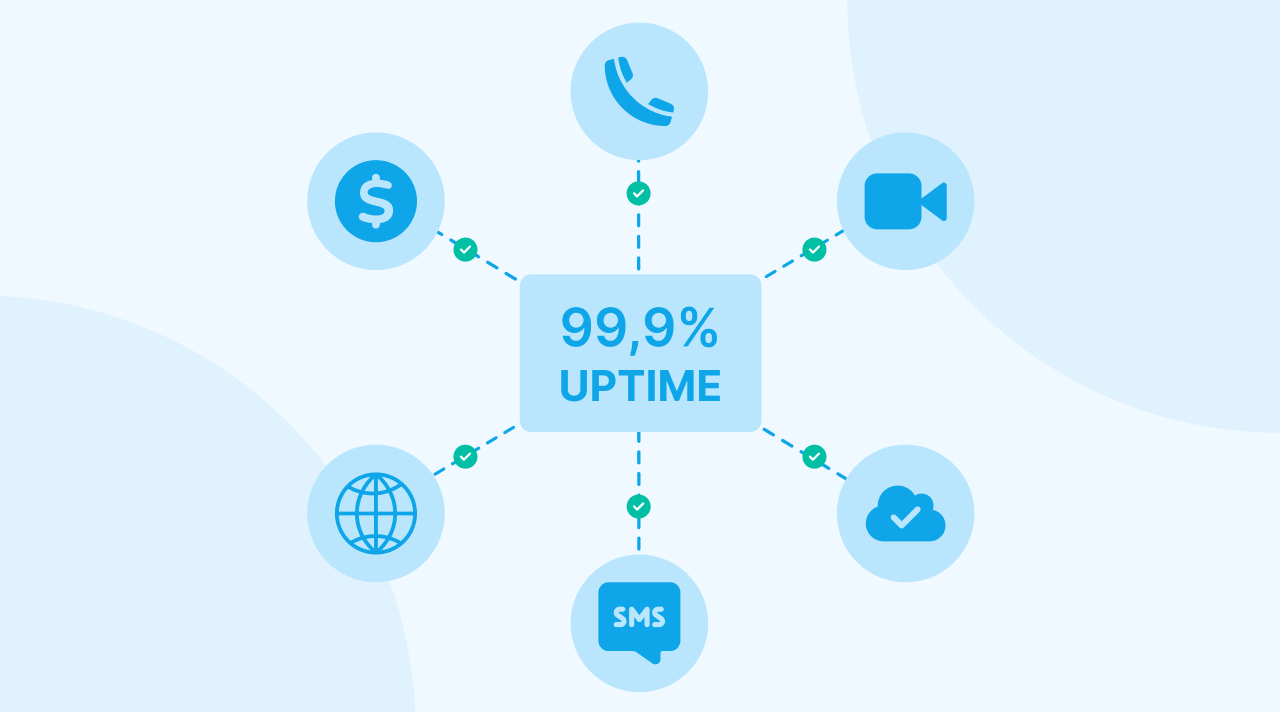
A 99.9% uptime guarantee is a policy that permits almost nine hours of system unavailability every year. And it is not a report on delay in data transmission, frozen video frames or failures in external services that stop a visit even when the provider’s status page is green. For a medical office that has 2-50 clinicians who conduct remote consultations, the gap between a promised uptime number and actual performance is visible when patients do not arrive, payments are sent back or individuals stop using the online scheduler without notice – this text is an explanation of what those figures represent, what they omit and how to judge if a telehealth provider is truly stable or only possesses a professional status indicator.
What is permitted by 99.9% uptime?
To start you can look at the mathematics – as DevOps.com’s playbook on telehealth observability states, a 99.9% uptime promise is an allowance for approximately 8.8 hours of inactivity per year. If the number is 99.95%, it is still an allowance for around 4.4 hours.
Those hours are not distributed in a way that is equal across the year. They are often grouped into specific events and the events do not occur at 3 a.m. on a Sunday. By having a single two hour failure on a Tuesday morning when the schedule is full of consecutive video appointments, a clinic can lose the amount of “allowed” downtime that is budgeted for multiple months while the vendor is still within the legal agreement.
The practical result is that an uptime percentage is a measure of how much failure a vendor expects. It is not a prediction of when a failure is likely to happen or what the financial impact is when it does occur.
Why “up” is not the same as “working”
In most cases uptime monitoring is a check to see if a server sends a response. It is not a check to see if a person in a location with limited infrastructure who uses a phone with average specifications can maintain a constant 20-minute video connection at 5 p.m. when the amount of data on the network is at its highest level.
The DevOps.com analysis is clear on this point. High traffic delays, low quality video and slow loading times are factors that do not trigger the uptime counter. And yet those are the exact things that patients and clinicians experience as “the platform is down”. To the monitoring system, a session where the sound stops every 30 seconds is counted as uptime.
For a small office, the sessions with low performance are arguably more problematic than a total failure. An outage is easy to see and makes a phone call necessary – but a low quality visit is a slow process that consumes the time of a clinician and makes the patient blame the medical office instead of the technical systems.
The problem of external service layers
Modern telehealth systems are built from many layers of third party tools – those are cloud storage, networks for content delivery, video tools, text message services, systems for payment and tools for identity verification. If any of those fail, the visit is not possible but the failures are not included in the uptime figure of the primary vendor.
There are two recent events that show this situation – in the Cloudflare problem on January 16, 2026, services were stopped for platforms that had no internal problems. As SimplyMed’s telehealth continuity guide explains, this shows how a single external service is a point where the whole system can fail. And the 2024 CrowdStrike/Microsoft failure, which stopped systems in many sectors, caused healthcare to lose an estimated $1.94 billion according to CapMinds’ analysis of telehealth downtime.
By choosing different technical designs, providers change how failures spread. In a multi tenant setup where many users share resources, a sudden increase in traffic from one user or a single error in code can lower performance for everyone. On single tenant setups where every group is on its own separate instance, the area of impact is limited. Because an event that affects one user cannot reach another user, this separation is a reason that white label telehealth platforms with single tenant architecture are part of evaluations for offices that want to avoid the failures of others – but the honest reality is that separation is not complete protection. When an external service like a CDN or a video tool fails, every instance is affected at the same time.
What is the cost of downtime?
The expectations of patients are now higher than the quality of most technical systems. CapMinds reports that 93% of patients now want digital health tools to be available at all times. They estimate that the cost of downtime in the health industry is about $7,900 for every minute.
Your office is not likely to lose $7,900 every minute – but the logic is the same at a smaller scale:
- A visit that fails is a loss of a billable time period because it is rare to fill that gap on the same day.
- If a person encounters a booking tool that is not working, they often do not try again and contact a different clinic.
- The time of the staff is moved from providing care to apologizing, changing appointments and fixing technical problems.
- When failures happen many times, they destroy the confidence that was built during many months of successful visits.
For a group with ten providers that conducts 30% of visits through virtual methods, a system failure for four hours results in many interrupted appointments and requires a full week to reorganize the schedule.
Components of a functional continuity plan
It is true that reliability depends on the architecture from the vendor and the preparation of the practice. According to SimplyMed’s continuity guidance, practices are encouraged to view outages as certain events and to document a plan before failures occur. For a small practice, a plan that is functional includes:
- A documented fallback channel. If the video connection stops during a visit, the provider contacts the patient by telephone within two minutes. And every person is aware of this protocol, as patients receive this information during the booking process.
- A status source for verification. There is a public status page from the vendor so that staff at the front desk can identify the difference between “our WiFi” and “their platform” within a few seconds.
- A communication template. There are messages for SMS and email regarding “we are experiencing technical issues, here is what happens next” that are already written so that staff do not have to write them during an emergency.
- A rule for rebooking. If a visit fails, staff give the patient a priority appointment within the same week so the patient is not required to contact the office repeatedly.
- A quarterly test. By running the “the video died” playbook four times per year, the practice ensures the process works in the same way they perform a fire drill.
As those steps are not complex, they are what determine if an outage lasts for one hour or causes problems for a month.
Inquiries to identify resilient vendors
When a person evaluates a platform, the data regarding uptime is the start of the discussion. To understand the system, you ask:
- What is the basis for the uptime percentage? Is the measurement based on server responses or video sessions that are finished? To be clear ask for the rates of session success instead of general availability.
- What are the historical performance data at high volumes? A platform that has managed millions of appointments has experienced technical failures that a new product has not encountered. If a platform is proven with more than 1M patients and 5M scheduled appointments, it has evidence of performance rather than estimates.
- What are the external dependencies and the results when they fail? In this part of the talk, look for specific details like alternative video routes, multiple providers for SMS and redundancy across different regions.
- Is the specific instance separated from other clients? It is important to know if the system is single tenant or multi tenant and how that structure affects failures that are shared.
- How is information shared during an incident? There should be a status page, notifications that are sent out immediately and a report after the incident that explains the cause and the actions taken to fix it.
- What is the remedy in the Service Level Agreement (SLA)? If the solution is a minor credit for the service, the SLA is a discount rather than a system for accountability.
By answering the questions directly and identifying where the limits are, a vendor provides more information about reliability than a high percentage figure.
Next steps
Uptime percentages are only a beginning but visits continue because of the architecture, the way dependencies are managed and the practices used during incidents. If you are comparing platforms, you should place reliability at the session level and system isolation on the list of requirements with features and cost. And you should ask every vendor the six questions listed. To see how a platform that is single tenant and tested in production answers them, you can request a demo and use this list during the meeting.
Sources:
- Observability, SRE and Uptime in Telehealth Platforms: A DevOps Playbook – DevOps.com, 2025
- Telehealth Continuity Guide: Backup Plans for Outages – SimplyMed, 2026
- How CTOs Can Cut Telehealth Downtime by 40% Through Smart Infrastructure Design – CapMinds, 2025